
Providers
Authentication, required config, base URL, trigger parameters, cancel support and extras of the seven Pipedash providers.
Pipedash ships seven provider plugins: GitHub Actions, GitLab CI, Bitbucket Pipelines, Buildkite, Jenkins, Tekton and ArgoCD. Each plugin lists pipelines from its CI system and maps run states to six Pipedash statuses.
Comparison
All seven plugins list pipelines, show runs and trigger them. Only Buildkite also shows agents and artifacts.
| Provider | Type id | Authentication | Required config | Base URL and self-hosting |
|---|---|---|---|---|
| GitHub Actions | github | Personal access token, classic or fine-grained | token | Optional base_url, default https://github.com. Other hosts use /api/v3 (GitHub Enterprise). |
| GitLab CI | gitlab | Personal access token with api scope | token | Optional base_url, default https://gitlab.com. Pipedash appends /api/v4. |
| Bitbucket Pipelines | bitbucket | HTTP Basic with Atlassian email and API token | email, api_token | Fixed https://api.bitbucket.org/2.0. Cloud only. |
| Buildkite | buildkite | API access token | token | Fixed https://api.buildkite.com/v2. |
| Jenkins | jenkins | HTTP Basic with username and API token | server_url, username, token | A self-hosted server. server_url is required. |
| Tekton CD | tekton | Kubeconfig credentials | None | No URL. The kubeconfig supplies the cluster endpoint. |
| ArgoCD | argocd | Bearer token | server_url, token | A self-hosted server. server_url is required. Optional insecure skips TLS checks. |
| Provider | Trigger parameters | Cancel | Agents and artifacts |
|---|---|---|---|
| GitHub Actions | ref plus workflow inputs | Yes | No |
| GitLab CI | ref plus variables | Yes | No |
| Bitbucket Pipelines | ref, custom_pipeline | Yes, except pipelines waiting for approval | No |
| Buildkite | branch | Yes | Yes |
| Jenkins | The job's own parameters | Yes | No |
| Tekton CD | The pipeline's own params | Yes, deletes the PipelineRun | No |
| ArgoCD | revision, prune, dry_run, force, apply_only | Yes, stops the running operation | No |
Several instances of one provider
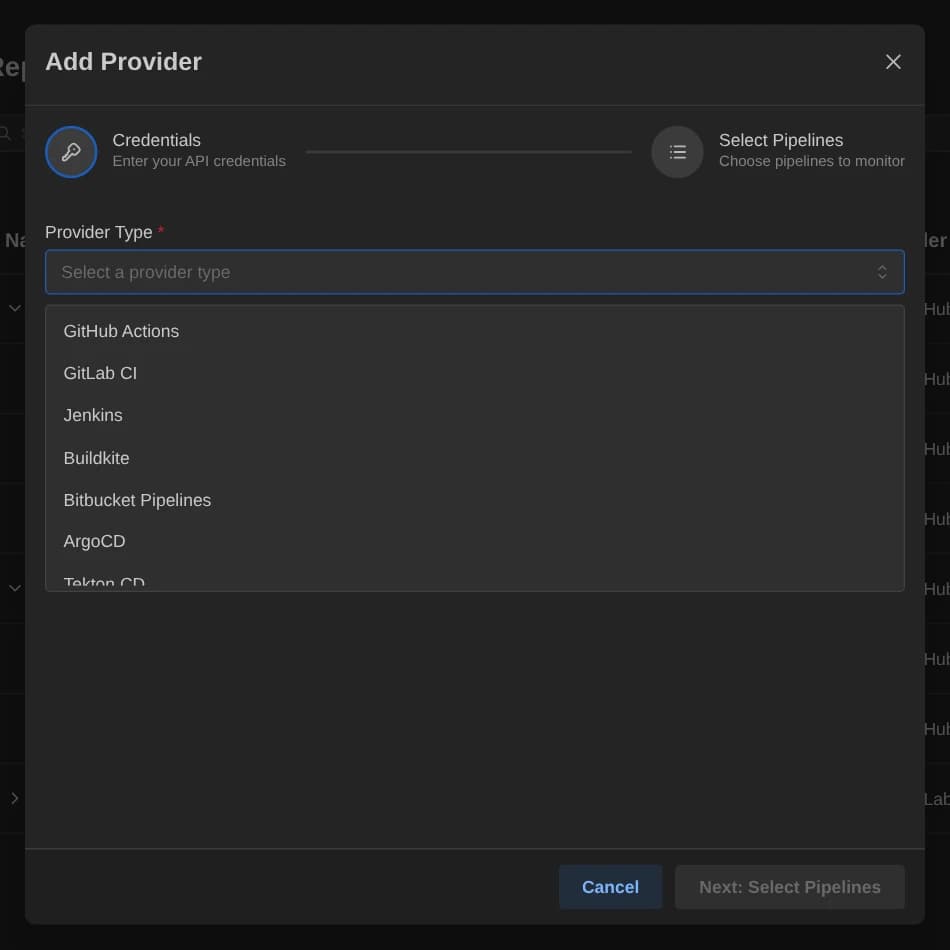
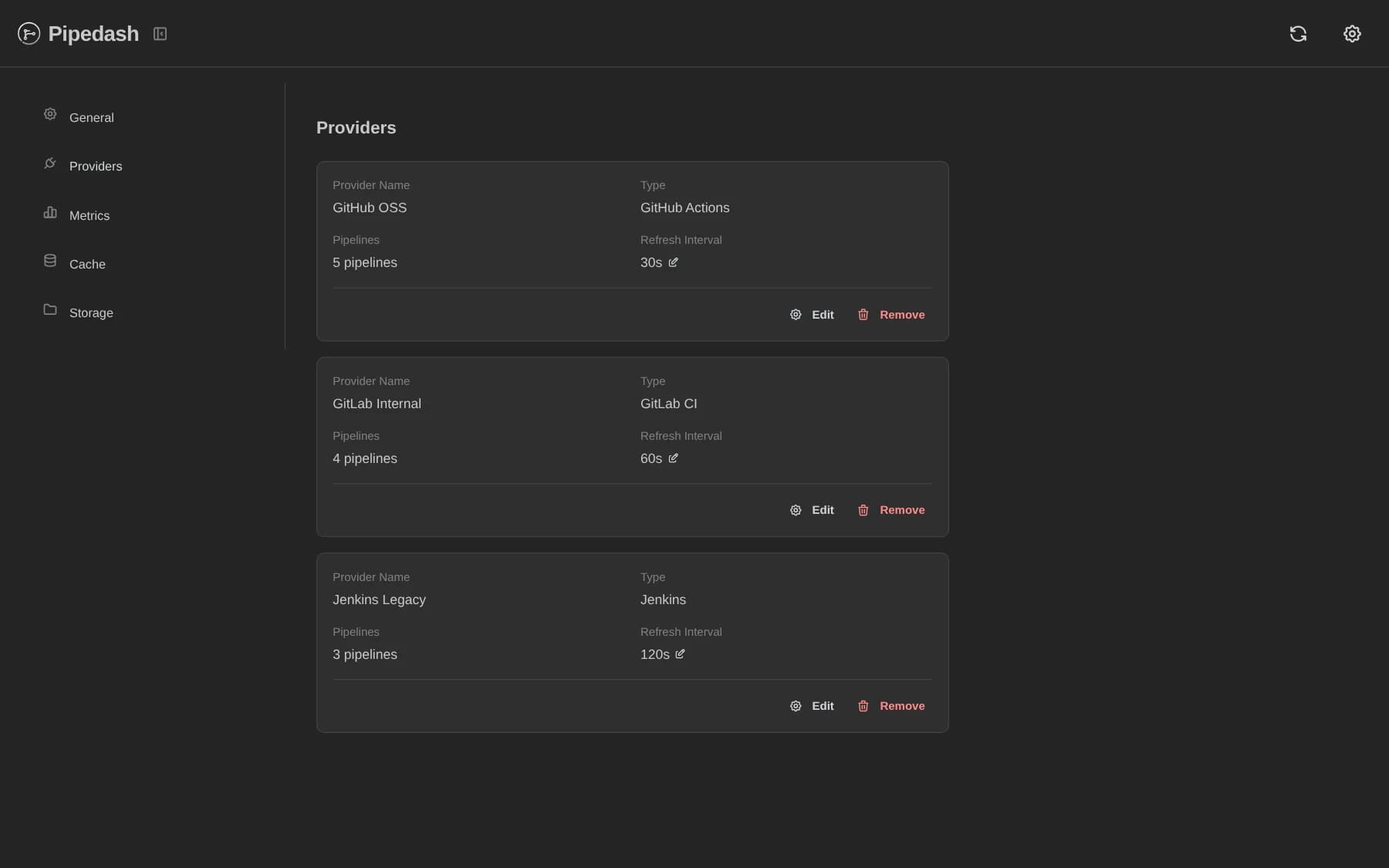
Pipedash accepts the same provider type any number of times. Each instance has its own name, token, pipeline selection and refresh interval. The example below defines two GitHub instances with refresh intervals of 30 and 60 seconds.
[providers.github-work]
name = "GitHub Work"
type = "github"
token = "${GITHUB_WORK_TOKEN}"
refresh_interval = 30

[providers.github-oss]
name = "GitHub OSS"
type = "github"
token = "${GITHUB_OSS_TOKEN}"
refresh_interval = 60
The table name after providers. is the instance key. It must be unique in the file.
Refresh interval per provider
Each provider has its own refresh interval in seconds, and the minimum is 5. The app and PUT /api/v1/providers/{id}/refresh-interval reject smaller values with Refresh interval must be at least 5 seconds.
The default for an omitted value depends on where the value is set:
| Where | Default |
|---|---|
refresh_interval in the TOML file | 30 |
| Add provider dialog in the app | 30 |
| Create or update request to the REST API | 60 |
See Refresh for how Pipedash schedules polling, and Configuration for the full file layout.